Click any one of the given below to download and get connected
(Please leave message or voice Note by clicking on the right corner “Chat“ button.or whatsapp me by clicking online Support Image Below You can select WhatsApp option to reach me if am busy with call..i will reach back as soon as possible)
Click any of the picture below to check your internet speed


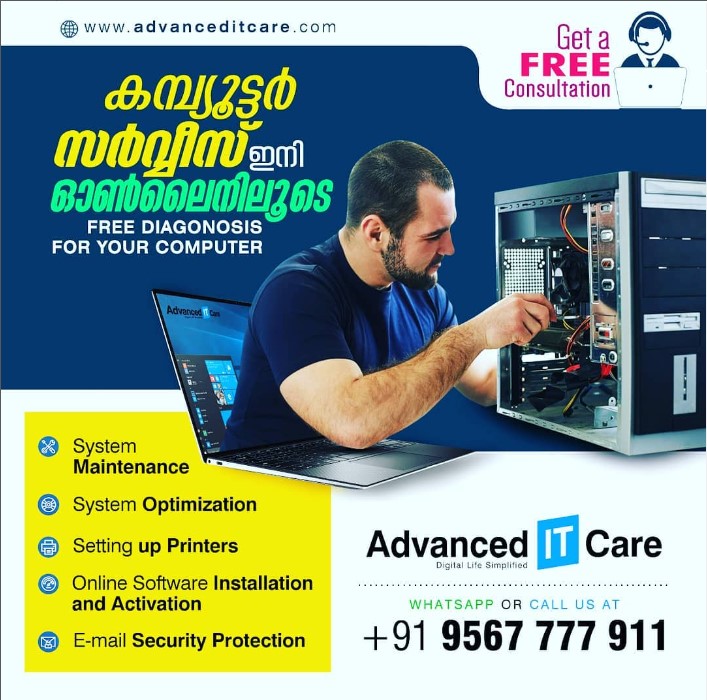
Almost 90% of computer problems can be fixed remotely.
I can fix a majority of your problems remotely.
I have our certified techs connect to your computer through the internet and resolve the pesky issues plaguing your PC.
The computer that you want worked on MUST BE ABLE TO DO THE FOLLOWING THINGS BEFORE THE REMOTE SESSION CAN BEGIN.
1) The computer MUST be able to turn on.
2) The computer MUST be able to boot into windows desktop.
3) The computer MUST be able to access the internet.
4) The computer MUST be able to download and install software.
*** Basically, if you are currently reading this from the computer you need fixed, i can fix it remotely. If you have to use another device to read this, then you might need a local service.
If you cannot connect to your wireless, you must be able to connect to the internet with your Ethernet cable.
1. I will contact you by, Email or Phone to set a Time.
2. Download and install the remote support software 1)Team Viewer 2)Any Desk 3)AweSun 4) Remote Desktop 5) UltraViewer
3. Will be online waiting for you to Allow-Grant one-time access. (I can NOT gain access unless you allow or grant it to us)
Customer satisfaction is very important to us and our feedback rating reflects this satisfaction.
Excellent customer support and skilled technicians. They handled my laptop carefully. Very happy with the service

excellent service

Excellent service

Excellent

GOOD SERVICE.. EASILY AVAILABLE.. 5 RATINGS